

AI has quickly become one of the most useful technologies for professionals. From writing emails and creating presentations to organizing meetings and analyzing information, AI productivity tools can help save time and reduce repetitive work.
Whether you are a freelancer, entrepreneur, manager, developer, marketer, or remote worker, the right AI tools can make your daily workflow significantly more efficient. Here are some of the best AI productivity tools for professionals in 2026.
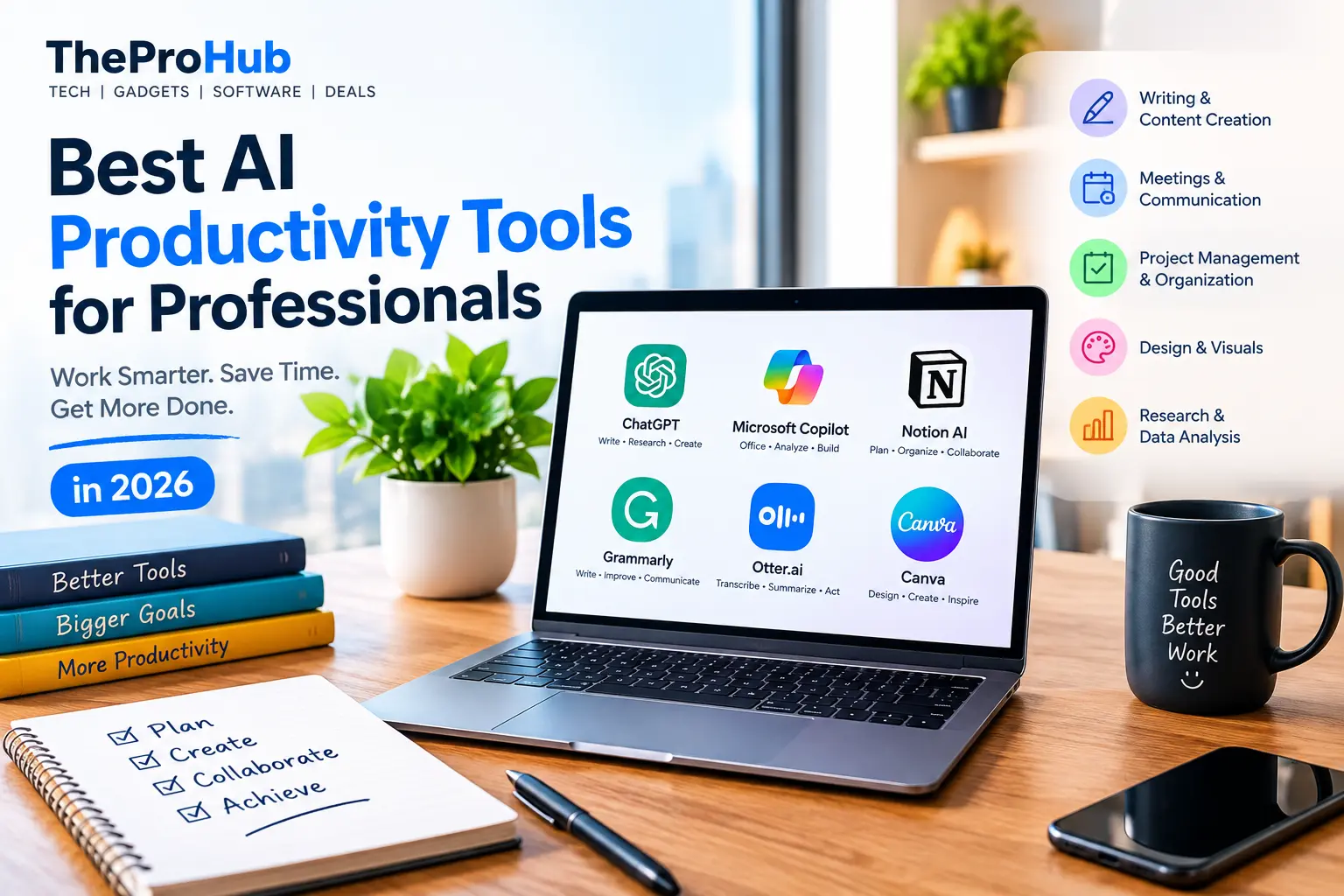
1. ChatGPT – Your AI Work Assistant
OpenAI’s ChatGPT is one of the most versatile AI productivity tools available. Professionals can use it for brainstorming ideas, drafting emails, summarizing documents, researching topics, creating content, explaining complex concepts, and generating code.
Instead of starting every task from scratch, you can use AI to create a first draft and then refine it according to your needs. This can be especially useful for professionals who regularly deal with writing and research.
2. Microsoft Copilot – AI for Everyday Office Work
Microsoft Copilot integrates AI into Microsoft’s productivity ecosystem. It can assist with tasks across applications such as Word, Excel, PowerPoint, Outlook, and Teams, depending on the plan and setup.
Professionals can use Copilot to summarize information, create documents, analyze data, generate presentation content, and speed up email-related tasks.
For businesses already using Microsoft 365, an integrated AI assistant can be particularly convenient.
3. Notion AI – Smarter Notes and Project Management
Notion combines notes, databases, project management, and collaboration features with AI capabilities.
Notion AI can help professionals summarize meeting notes, rewrite content, brainstorm ideas, extract key information, and organize work. It can be useful for teams that want to keep projects and information in one centralized workspace.
4. Grammarly – AI-Powered Writing Assistance
Grammarly is a popular choice for professionals who write emails, reports, proposals, social media posts, and other business content.
Its AI-powered features can help improve clarity, tone, grammar, and overall communication. This makes it particularly useful when you need to communicate professionally but do not have time to repeatedly edit every message.
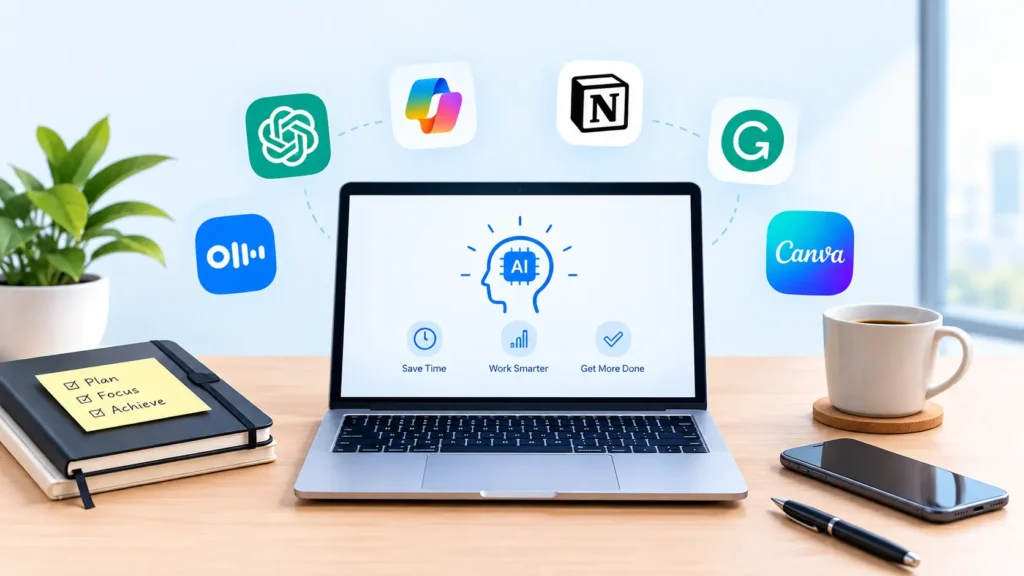
5. Otter.ai – Smarter Meeting Notes
Meetings can consume a significant portion of a professional’s workday. Otter.ai helps reduce the amount of manual note-taking required by transcribing conversations and generating useful summaries.
Instead of trying to remember everything discussed during a meeting, professionals can review an organized transcript and focus on important action items.
6. Canva – Faster Design Creation
Canva has incorporated AI-powered features that make it easier to create presentations, social media graphics, marketing materials, and other visual content.
You do not necessarily need advanced graphic design skills to produce professional-looking visuals. AI-assisted tools can help generate ideas, layouts, text, and visual elements much faster.
How to Choose the Right AI Productivity Tool
The best AI tool depends on your specific workflow. Before choosing one, consider what takes up most of your time.
If writing and research are your priorities, an AI assistant such as ChatGPT may be useful. If your work revolves around documents and spreadsheets, an integrated office AI tool may make more sense. For meetings, transcription and summarization tools can provide significant time savings.
It is also important to consider privacy, security, pricing, integrations, and accuracy before using an AI service for professional or sensitive information.
Final Thoughts
AI productivity tools are no longer just experimental technology. They are becoming practical assistants for everyday professional work. The biggest benefit is not simply doing more work—it is spending less time on repetitive tasks and more time on important decisions and creative work.
Start with one or two tools that address your biggest productivity challenges. Once they become part of your workflow, you can gradually expand your AI toolkit and build a more efficient way of working.