


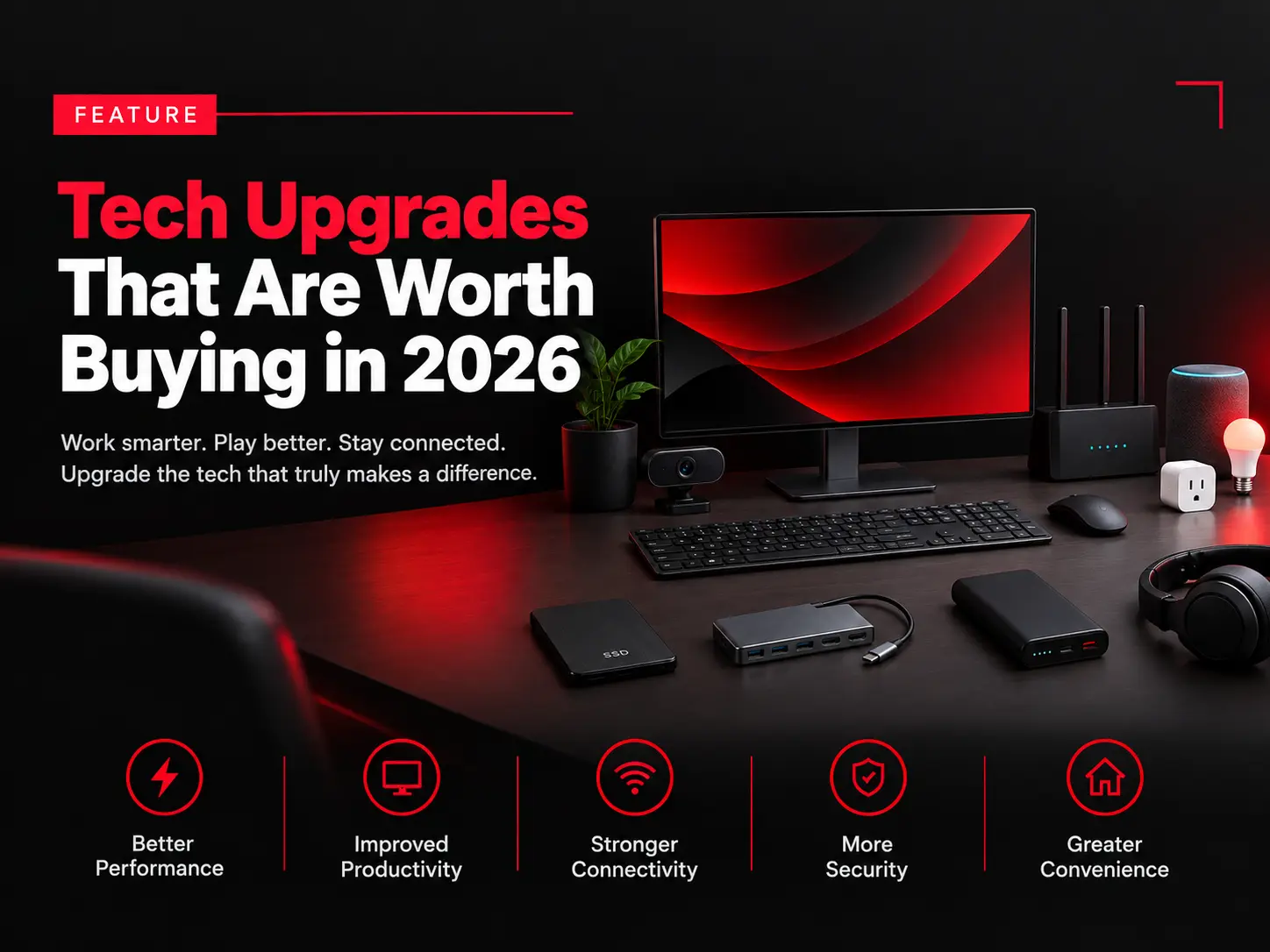
Technology changes quickly, but that doesn’t mean you need to replace every gadget you own. In 2026, the smartest approach is to upgrade the devices and accessories that can genuinely improve your productivity, entertainment, security, or everyday convenience.
Whether you’re working from home, gaming, creating content, or simply looking to modernize your setup, here are some tech upgrades that are worth considering this year.
1. Upgrade to a Faster SSD
If your computer still uses an older hard drive or a slow storage drive, upgrading to a modern SSD can make a noticeable difference.
An SSD can improve startup times, application loading, file transfers, and overall system responsiveness. For older computers, this can be one of the most cost-effective upgrades available.
2. Consider a Better Monitor
A high-quality monitor can make a major difference if you spend hours working or gaming at your desk.
Look for features such as a sharp resolution, comfortable refresh rate, good color accuracy, and adjustable ergonomics. A larger display can also make multitasking easier by allowing you to keep multiple windows open at once.
You don’t necessarily need the most expensive monitor. Choose features based on how you actually use your computer.
3. Upgrade Your Wi-Fi Setup
Slow or unreliable internet isn’t always caused by your internet provider. An outdated router can also create problems, particularly in larger homes with many connected devices.
A newer Wi-Fi system can provide better coverage, improved performance, and more reliable connections for smartphones, laptops, smart TVs, gaming consoles, and other devices.
For larger homes, a mesh Wi-Fi system may be worth considering.
4. Invest in a USB-C Hub or Dock
Modern laptops often have fewer built-in ports than older computers. A USB-C hub or docking station can solve this problem by giving you access to additional USB ports, displays, storage devices, memory cards, and other accessories.
For people who work from home or regularly connect their laptop to a monitor and peripherals, this can be a surprisingly useful upgrade.
5. Upgrade Your Webcam and Microphone
Video calls have become a regular part of work, education, and online communication. If you’re still relying on a low-quality built-in webcam and microphone, an affordable external setup can improve your calls considerably.
A better webcam can provide clearer video, while a dedicated microphone can make your voice easier to understand.
6. Get a Power Bank With Fast Charging
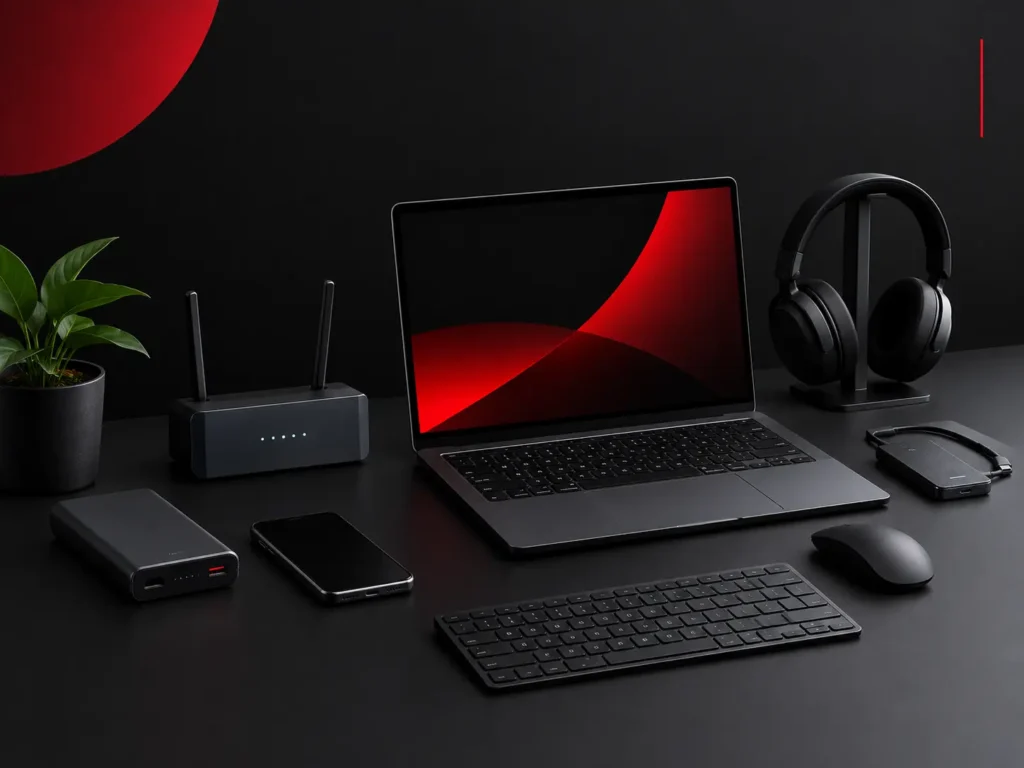
A reliable power bank is one of those gadgets you may not appreciate until you need it.
If you travel frequently or spend long periods away from power outlets, choose a model that supports fast charging and has enough capacity for your primary devices. USB-C charging can make it particularly convenient if your phone, tablet, or laptop uses the same standard.
7. Upgrade Your Keyboard and Mouse
You don’t need a new computer to make your desk setup feel better.
A comfortable keyboard and ergonomic mouse can improve the experience of working, writing, browsing, or gaming every day. Mechanical keyboards, ergonomic mice, and quieter wireless accessories are all worth considering depending on your preferences.
Because these are devices you use constantly, comfort should be more important than flashy features.
8. Consider a Smart Home Upgrade
Smart plugs, smart lights, video doorbells, and smart thermostats can add convenience to everyday routines.
Start small rather than turning your entire home into a smart home at once. A few well-chosen devices can automate repetitive tasks and give you more control over your home without creating unnecessary complexity.
9. Upgrade Your Backup System
One of the most overlooked technology upgrades is better data protection.
An external SSD, network storage device, or reliable cloud backup can help protect important photos, documents, projects, and other files. A new laptop or smartphone won’t help if valuable data disappears because of hardware failure or accidental deletion.
For important files, having more than one backup is a smart strategy.
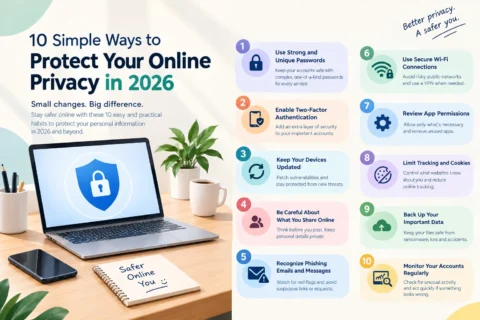
10. Don’t Forget Your Security
Technology upgrades aren’t only about speed and convenience. Security should also be part of your upgrade plan.
Consider using a password manager, enabling multi-factor authentication, keeping devices updated, and replacing outdated hardware that no longer receives important security updates.
Upgrade With a Purpose
The best tech upgrade in 2026 isn’t necessarily the newest or most expensive product. It’s the one that solves a real problem.
Before buying anything, ask yourself what is currently slowing you down or making your daily routine harder. If a new SSD makes your computer faster, a better router fixes connectivity problems, or a monitor improves your workflow, the upgrade may be worth the investment.
Smart technology spending is about buying better—not simply buying more.