

Buying new technology in 2026 can be exciting, but it can also be confusing. With new smartphones, laptops, smartwatches, earbuds, AI-powered devices, and accessories launching constantly, choosing the right product isn’t always about buying the newest model.
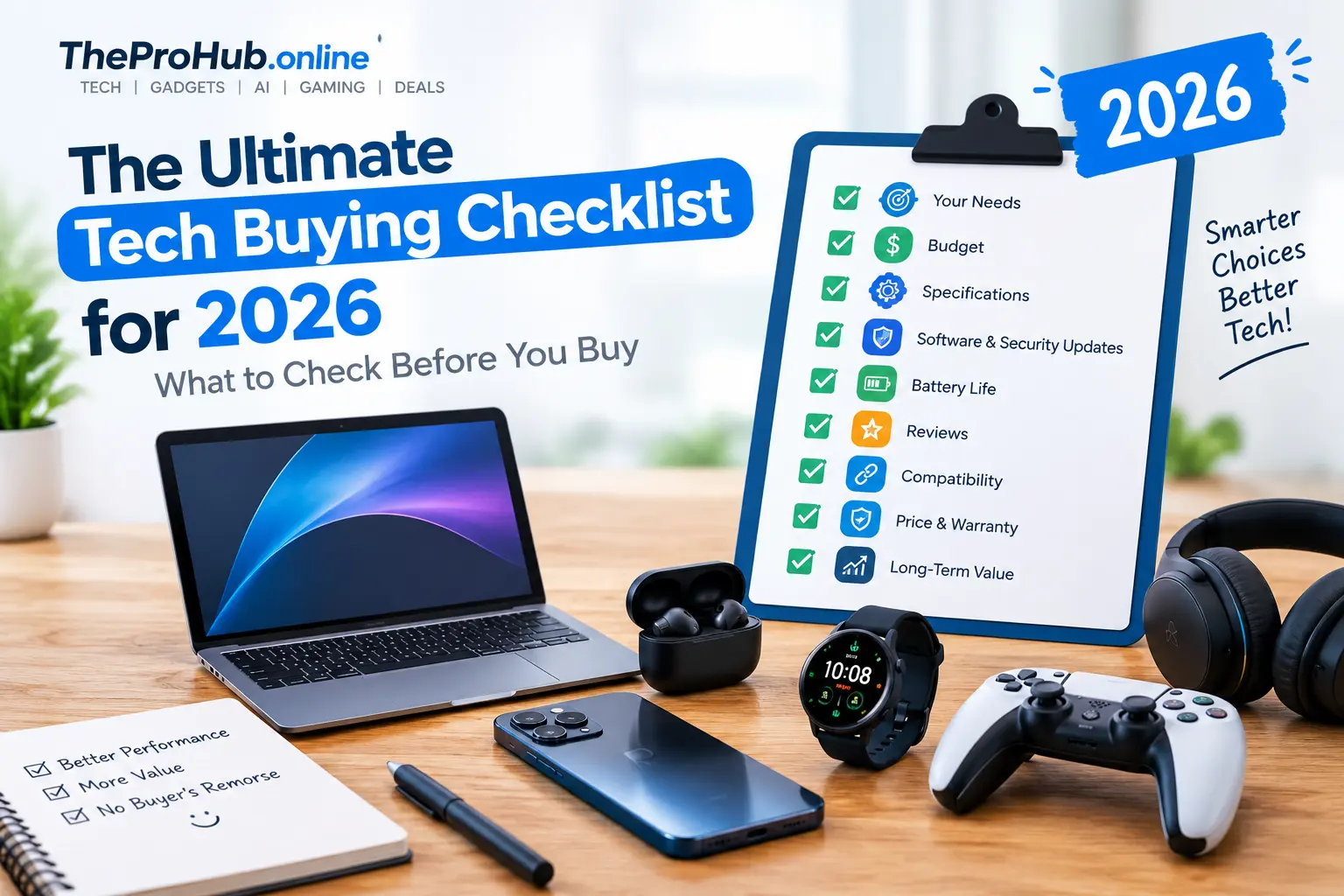
The right purchase depends on your needs, budget, specifications, software support, and long-term value. Before you click the “Buy Now” button, use this ultimate tech buying checklist to make a smarter decision.
1. Start With Your Actual Needs
Before comparing products, ask yourself what you need the device for.
Are you buying a laptop for office work, gaming, college, video editing, or casual browsing? Are you looking for earbuds for music and calls or a smartwatch primarily for fitness tracking?
Making a list of your must-have features can prevent you from paying extra for specifications you may never use.
2. Set a Realistic Budget
Decide your maximum budget before you start shopping. This makes it easier to narrow down your options and avoid unnecessary upgrades.
However, don’t automatically choose the cheapest product. A slightly more expensive device may offer better performance, durability, software support, or battery life and could provide better value over several years.
3. Compare the Important Specifications
Don’t judge a product solely by its headline specification.
For a smartphone, look at the processor, RAM, storage, display, cameras, battery, charging speed, and software support.
For laptops, consider the processor, RAM, SSD capacity, display quality, battery life, weight, ports, and upgradeability.
For accessories such as earbuds, check battery life, microphone quality, connectivity, comfort, noise cancellation, and water resistance.
The most impressive number isn’t necessarily the most important feature for your use case.
4. Check Software and Security Updates
Hardware isn’t everything in 2026. Software support can significantly affect how long a device remains useful.
Before buying, check how long the manufacturer promises operating system and security updates. Longer support can improve security and extend the usable life of your device.
This is particularly important for smartphones, tablets, smartwatches, and connected home devices.
5. Look at Battery Life
Battery capacity alone doesn’t tell the complete story.
Two devices with similar battery capacities can deliver very different real-world battery life because of differences in processors, displays, software optimization, and usage.
Look for independent reviews that test battery performance in realistic conditions rather than relying only on manufacturer claims.
6. Read Reviews From Multiple Sources
Never rely entirely on the product description or a single review.
Look at several professional reviews and, where possible, customer feedback. Pay attention to repeated complaints about overheating, poor battery life, software bugs, weak cameras, uncomfortable designs, or unreliable connectivity.
Also check reviews published after the product has been available for a while. Long-term experiences can reveal problems that aren’t obvious during initial testing.
7. Check Compatibility
Before purchasing an accessory or device, make sure it works with your existing technology.
Check operating-system compatibility, connector types, wireless standards, app requirements, and ecosystem limitations.
For example, a USB-C accessory may not provide the same functionality on every device, while some smartwatch features may be limited depending on the smartphone you use.
8. Compare Prices and Warranty
Prices can vary significantly between retailers. Compare several sellers before purchasing and check whether the product is sold by an authorized retailer.
Also look at the warranty period, return policy, repair options, and availability of replacement parts or accessories.
A lower upfront price isn’t necessarily a better deal if after-sales support is poor.
9. Think About Long-Term Value
Ask yourself how long you expect to use the product.
If you plan to keep a laptop or smartphone for several years, investing in better performance, storage, battery life, and software support may make sense.
Avoid paying extra simply for a premium feature you don’t need, but don’t compromise on features that directly affect your everyday experience.
Final Thoughts
The best tech purchase isn’t necessarily the newest, most expensive, or most powerful device. It’s the product that offers the right combination of features, performance, reliability, support, and price for your needs.
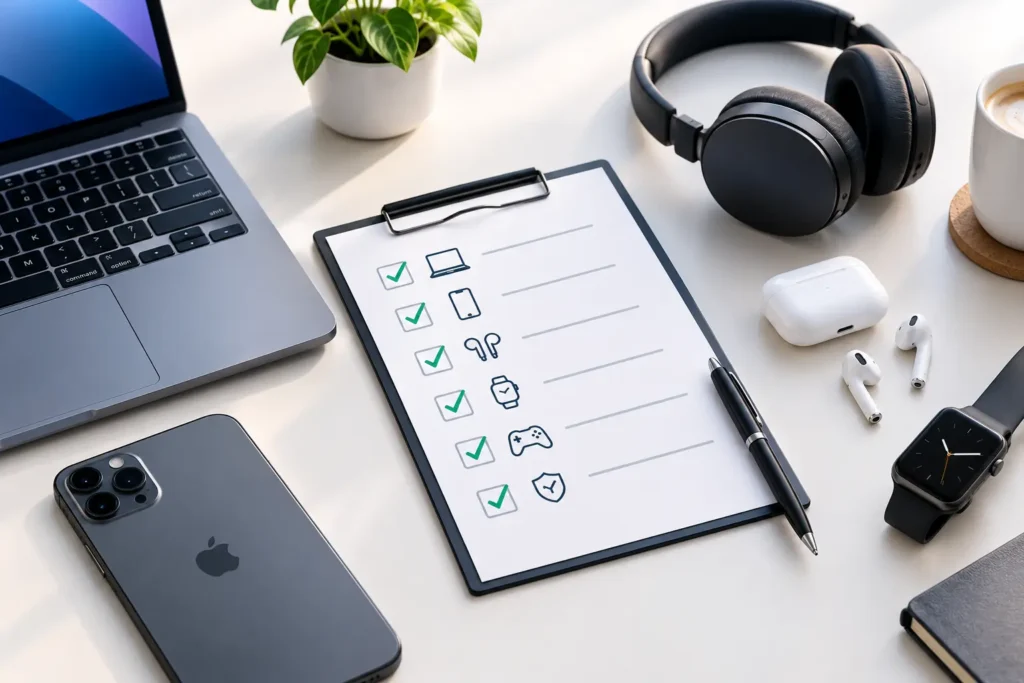
Before buying tech in 2026, define your requirements, set your budget, compare specifications, read independent reviews, check software support, verify compatibility, and compare prices.
Taking a few extra minutes to research before purchasing can help you avoid buyer’s remorse and get much more value from your technology.