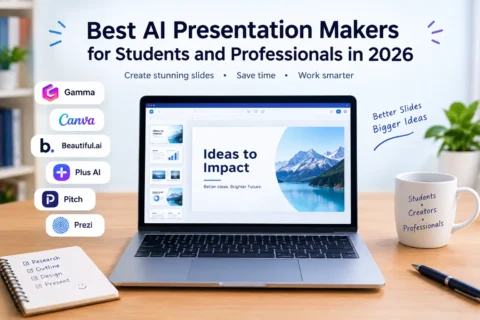


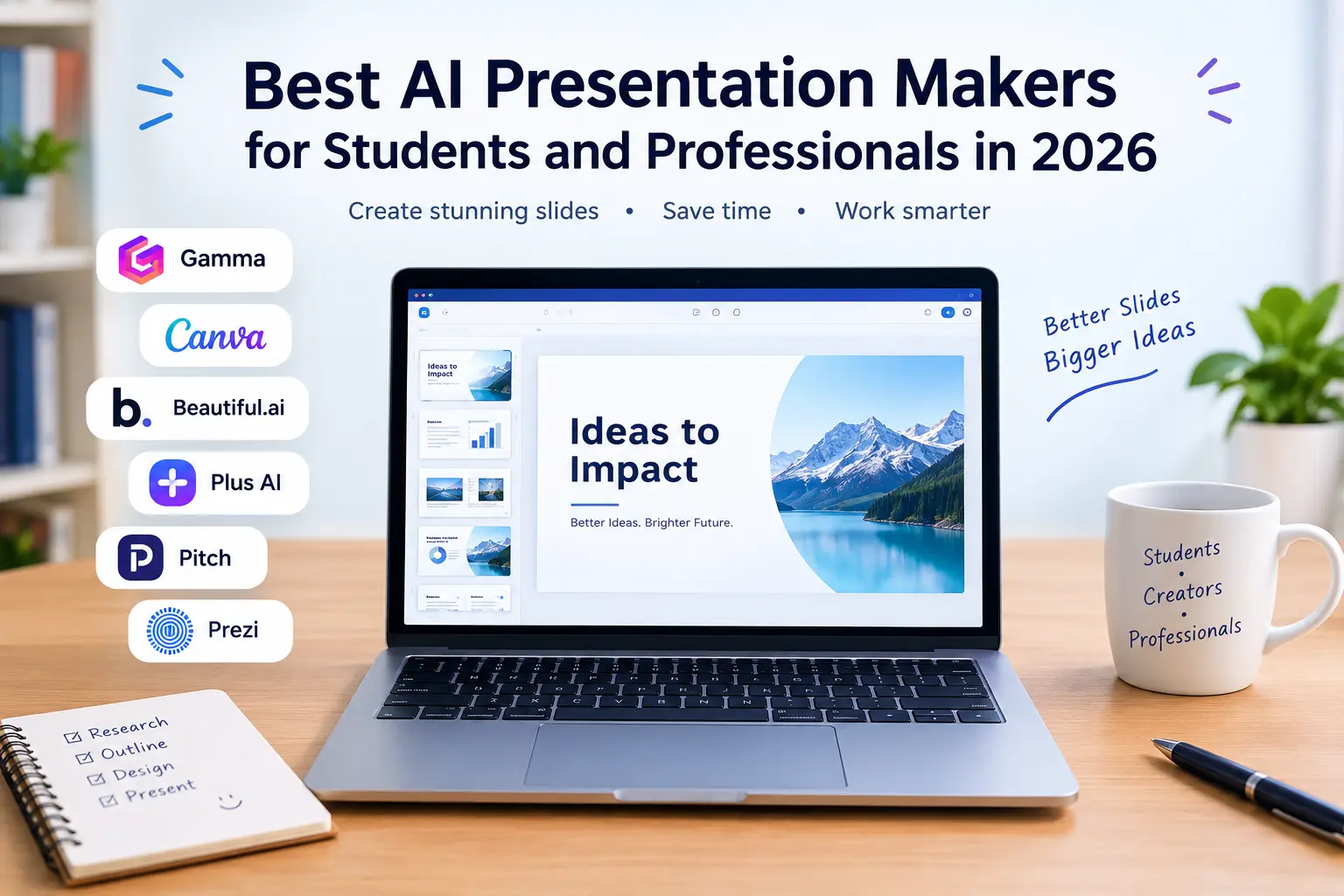
Creating a professional presentation can take hours, especially when you need to organize information, design slides, and find suitable images. Fortunately, AI presentation makers can simplify this process by turning simple text prompts and ideas into well-structured presentations.
Whether you are a student preparing a college assignment, a teacher creating educational slides, or a professional working on a business proposal, the right AI tool can save time and improve your presentation design.
In this article, we explore the best AI presentation makers in 2026, their key features, and how to choose the right tool for your needs.
1. Gamma
Gamma is one of the most useful AI presentation makers for people who want to create slides quickly. You can enter a topic, provide an outline, or use existing content to generate a structured presentation.
The platform automatically organizes information into sections and applies layouts, themes, and visual elements. You can then edit the content and customize the design.
Gamma is particularly helpful for students creating project presentations and professionals preparing reports, proposals, and business plans.
Best for: Quickly creating presentations from ideas or text.
Website: https://gamma.app/
2. Canva
Canva is a popular design platform that offers presentation templates and AI-powered design features. It allows users to create visually appealing slides without requiring advanced graphic design skills.
You can customize colors, fonts, images, icons, and layouts to match your presentation topic. Canva is also useful for creating posters, infographics, and other educational or professional materials.
Students can use it for assignments and seminars, while professionals can create marketing presentations and client proposals.
Best for: Creative presentations with attractive designs and customizable templates.
Website: https://www.canva.com/
3. Beautiful.ai
Beautiful.ai focuses on making professional presentations easier to design. Its smart layouts automatically adjust slide elements as you add or edit content, helping maintain consistent spacing and formatting.
The platform offers templates suitable for business proposals, sales presentations, project updates, and corporate reports.
It is particularly useful for professionals who regularly create presentations and want to spend less time adjusting individual design elements.
Best for: Business presentations and polished corporate slides.
Website: https://www.beautiful.ai/

4. Plus AI
Plus AI is designed for users who prefer working with familiar presentation software. It integrates with Google Slides and Microsoft PowerPoint, allowing users to create and edit slides with AI assistance.
You can use it to generate presentation drafts, revise existing slides, and organize information into a more suitable structure.
This makes it a convenient option for students who use Google Slides for assignments and professionals who already rely on PowerPoint.
Best for: Creating and editing presentations within existing workflows.
Website: https://www.plusai.com/
5. Pitch
Pitch is a presentation platform designed for collaboration and professional communication. It provides presentation templates, editing tools, and features that help teams work together on shared projects.
Students can use it for group assignments, while businesses can prepare sales decks, project updates, and company presentations.
Its collaborative features make it especially useful when multiple people need to review and improve the same presentation.
Best for: Team presentations and collaborative projects.
Website: https://pitch.com/
6. Prezi AI
Prezi offers a different presentation experience through its distinctive zooming canvas and visual storytelling approach. Instead of relying only on traditional slides, users can connect ideas through a more dynamic layout.
Its AI-assisted features can help users develop presentation content and structure. This makes it suitable for educational lessons, workshops, training sessions, and presentations involving connected concepts.
However, its visual style may not suit every formal business presentation.
Best for: Interactive presentations and visual storytelling.
Website: https://prezi.com/
How to Choose the Best AI Presentation Maker
Before selecting an AI presentation tool, consider your requirements and budget.
First, look at ease of use. Beginners may prefer tools such as Gamma or Canva because they make it easier to get started.
Second, check the customization options. A good presentation maker should allow you to edit text, change layouts, and adjust colors and images.
Third, review export options. If you need an editable PowerPoint file or a PDF, confirm that the required export format is available on your chosen plan.
Finally, compare pricing and free-plan limits. Some tools restrict the number of AI generations or reserve certain features for paid subscribers.
Remember to review AI-generated content carefully, verify facts, and avoid uploading confidential information without checking the platform’s privacy policy.
Conclusion
AI presentation makers are making it easier for students and professionals to create presentations without spending hours designing every slide.
Gamma is a strong choice for generating presentations quickly, while Canva is ideal for creative designs. Beautiful.ai works well for professional business slides, Plus AI suits PowerPoint and Google Slides users, Pitch supports collaboration, and Prezi AI offers a more dynamic presentation style.
The best choice depends on your goals, preferred workflow, and budget. Before publishing or presenting your work, review the generated content, verify important information, and personalize the design.
With the right AI presentation maker, you can save time, organize your ideas more effectively, and create presentations that communicate your message clearly.